Report
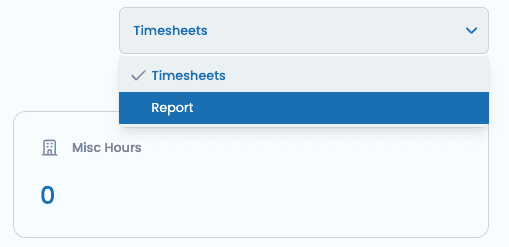
To access the timesheet report, click the top right button and select Report.
To begin with, the report page will blank as you need to select the data you wish to see.
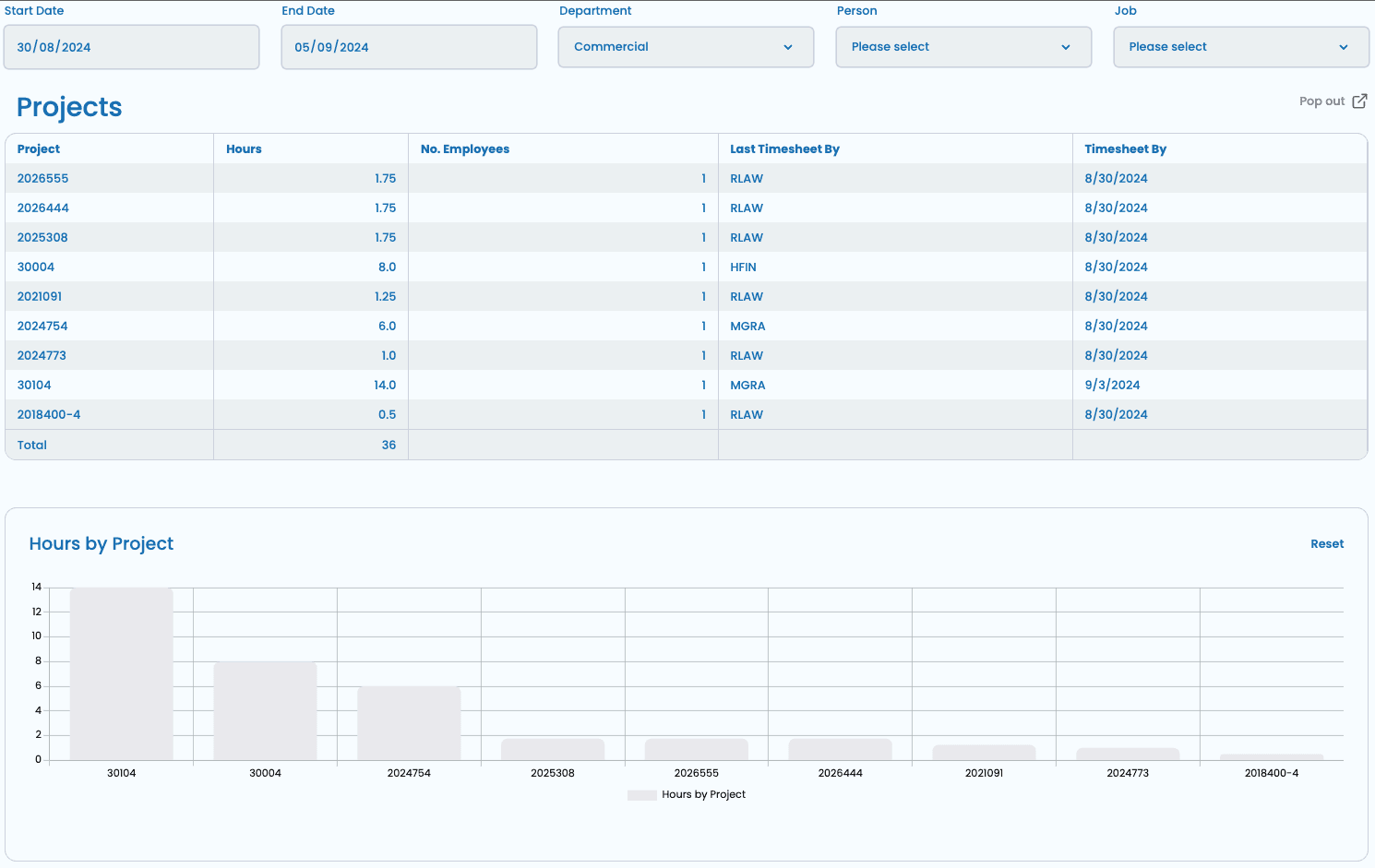
Using the Filters
The mandatory filters to select are the Start Date, End Date and Department.
You can then do the following:
- Select a specific person to get all hours submitted by that person.
- Select all people to see the whole departments hours.
- Select a specific job to see hours allocated to it.
- Select all jobs to see hours allocated to everything.
💡
Note. Updating the filters may take 20-30 seconds to refresh depending on the number of submissions.
Chart
The chart is a summary over the date range for all projects in the department. This is a quick department overview. Where applicable, you can double click into a bar to see tasks -> people.