History
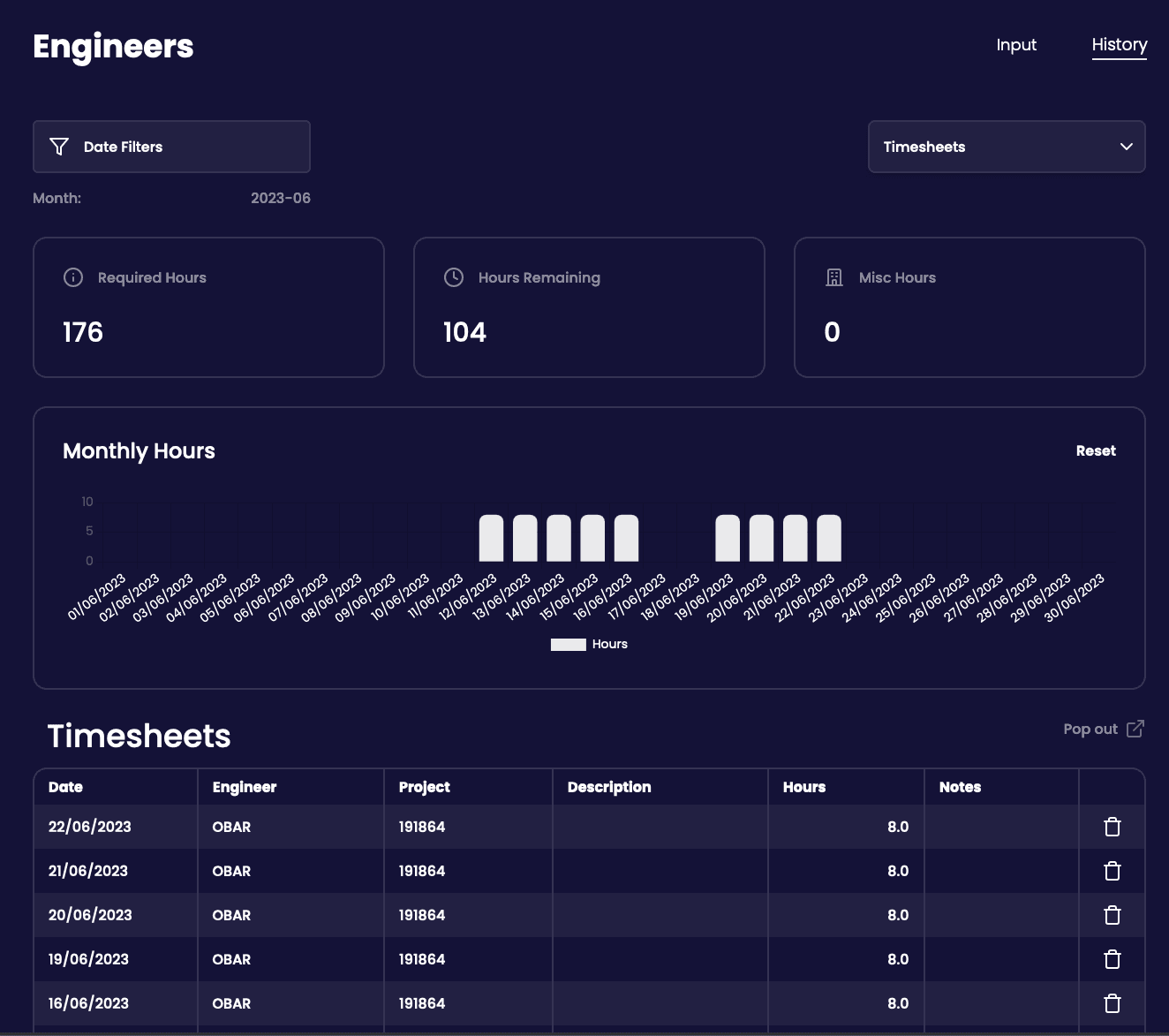
The History tab serves as a way to manage your hours and review any prior submissions. You will have access to the same chart and info cards as well as your data entries table.
A typical example is as follows:
Deleting a Record
To delete a record, click the bin icon on the the row you want to delete. This is immediate and permanent. If you would like to edit your record then re-submit for the given day.
Viewing Previous Months
Select the Date Filters button at the top and select your chosen month. The data on the table and chart will refresh accordingly. The info cards are for the present month only